
How To Create a GitHub Account
html
- Navigate to GitHub click on Signup
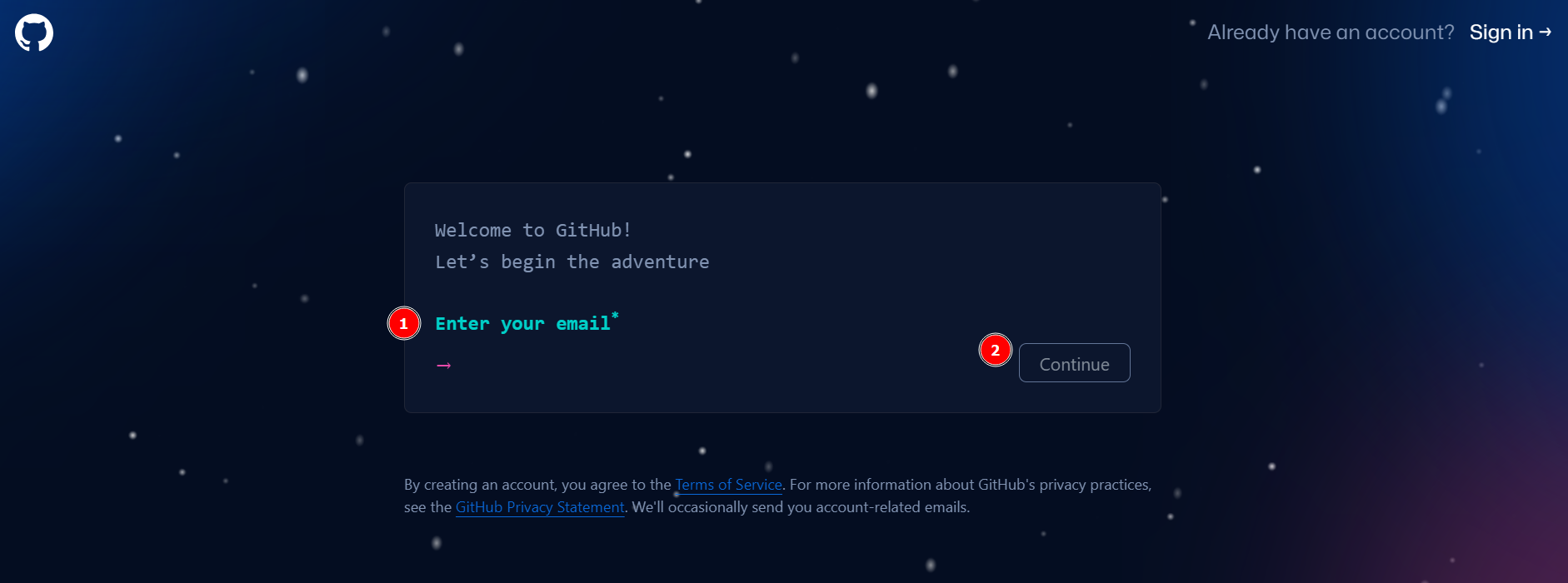
- Enter your email address.
- Click the Continue button.
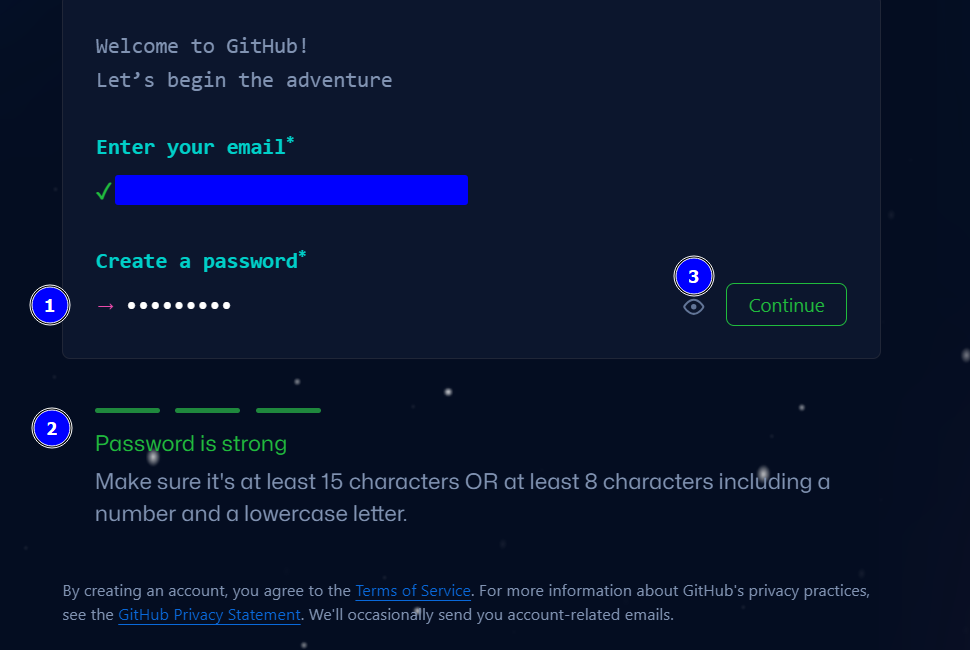
- Enter your password.
- Make sure to enter a strong password.
- Click the Continue button.
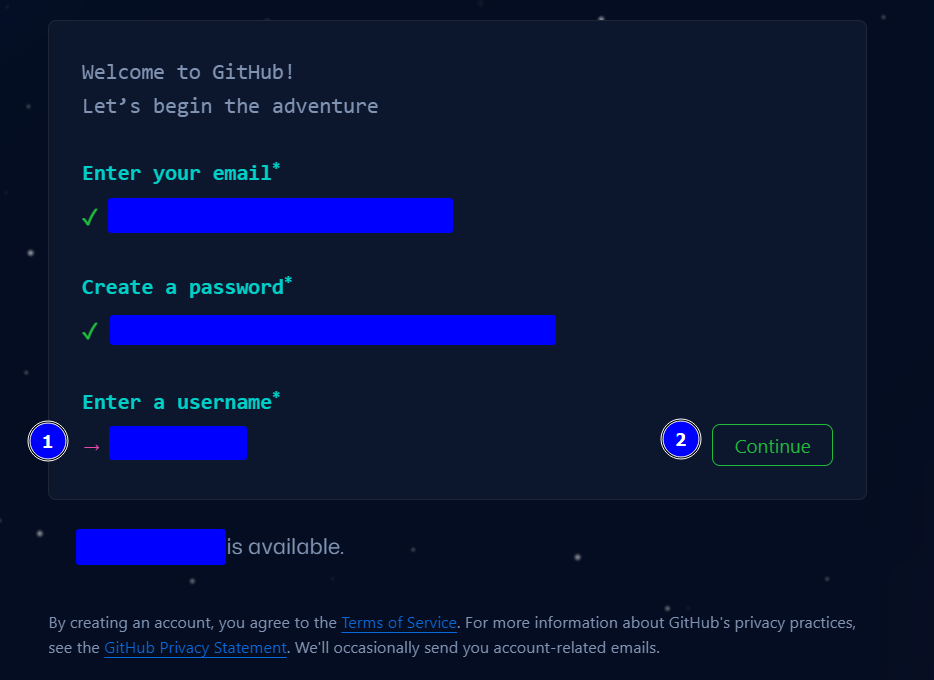
- Enter a username.
- Click the Continue button.
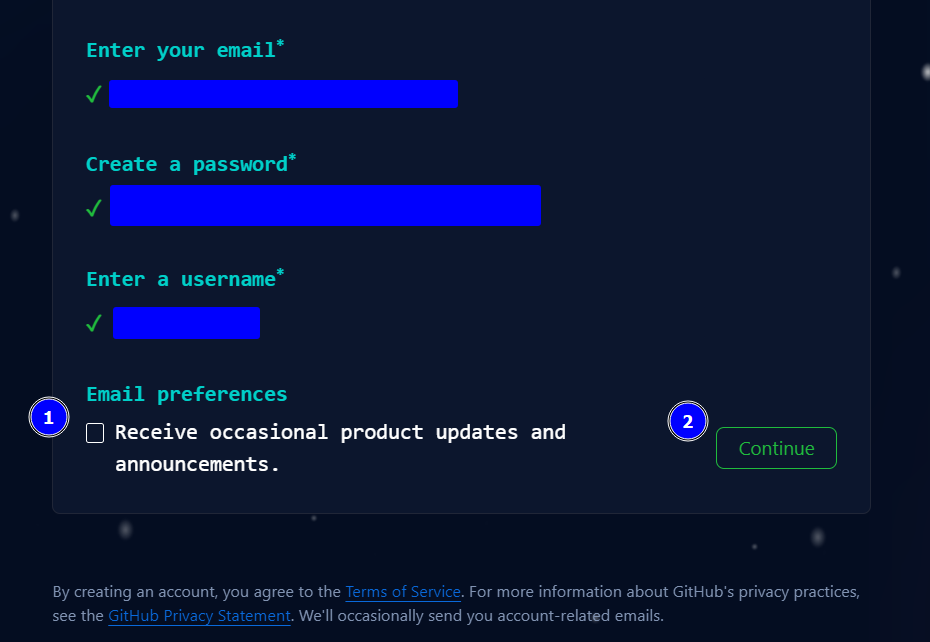
- Check the box if you would like to receive product updates.
- Click the Continue button.
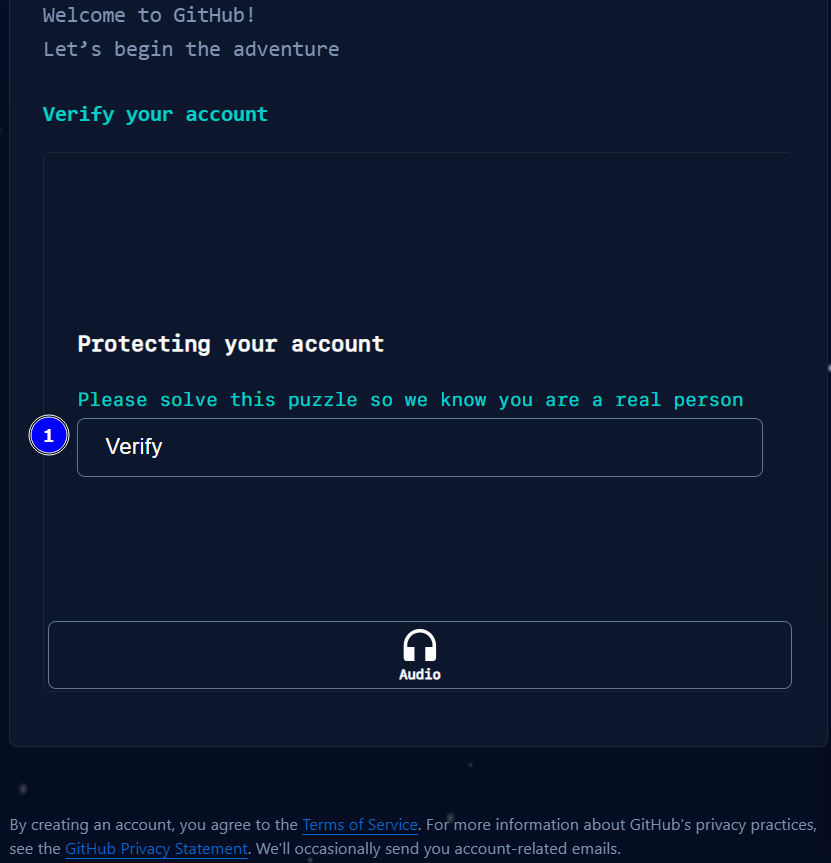
- Click on the Verify button and complete the verification steps.
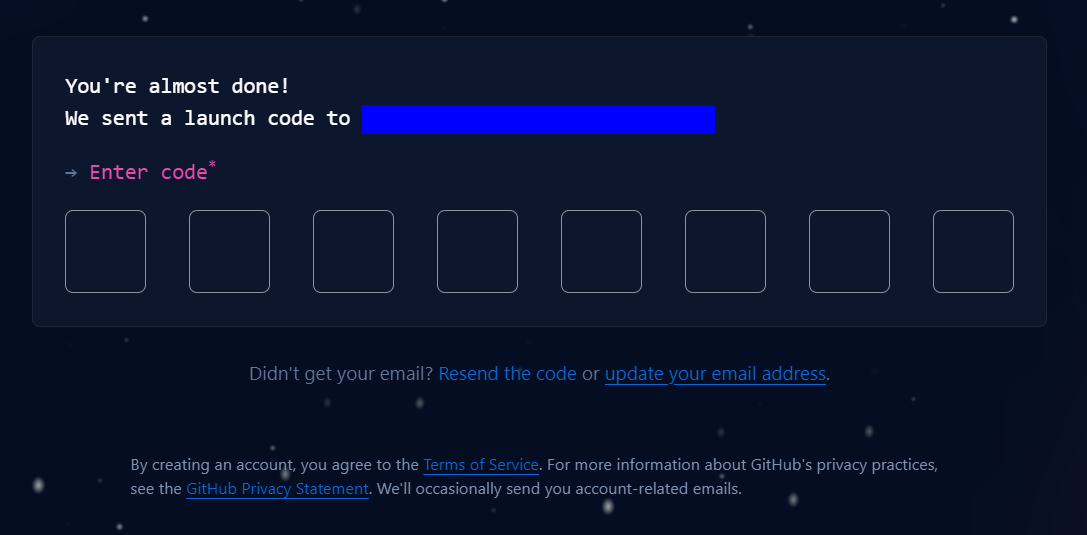
- Enter the verification code sent to your email.
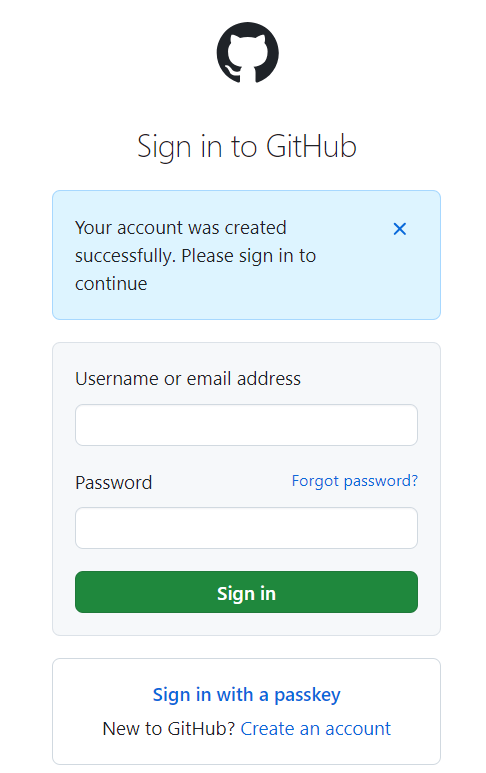
Enter your login details.

Congratulations, you have successfully setup your GitHub account.